
Stop Wrestling with RF Design. Start Building.
The Layout Tool is a powerful, interactive design environment for part selection, layout, and analysis of signal chains using X-MWblocks.
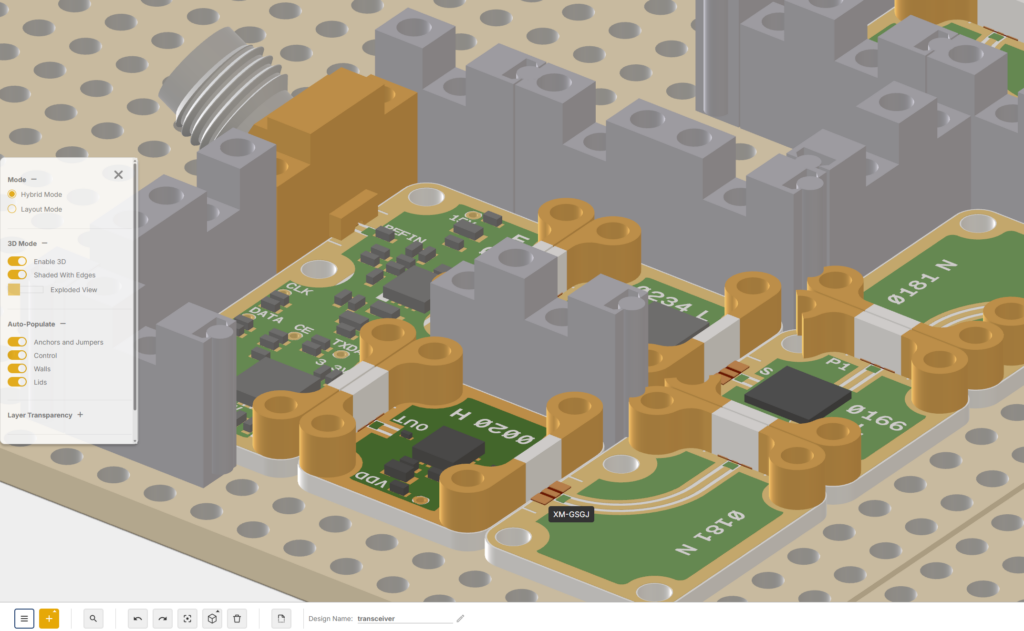
How It Works

Browse & Select
Search our library of 6,000+ RF building blocks

Design & Layout
Drag and drop components into your signal chain

Prototype & Validate
Run analysis on your design

Quote & Order
Export your BOM with instant pricing
Key Features
Everything you need to design, simulate, and prototype RF signal chains
Component Library
6,000+ X-MWblocks with regular updates
Intuitive Interface
Redesigned UI that prioritizes ease of use and efficiency
Automated Walls
Algorithm creates arbitrary shaped channelized enclosures
CSV Export
Export complete component lists for BOMs and quotes
See It in Action
Watch tutorials to get started with the Layout Tool
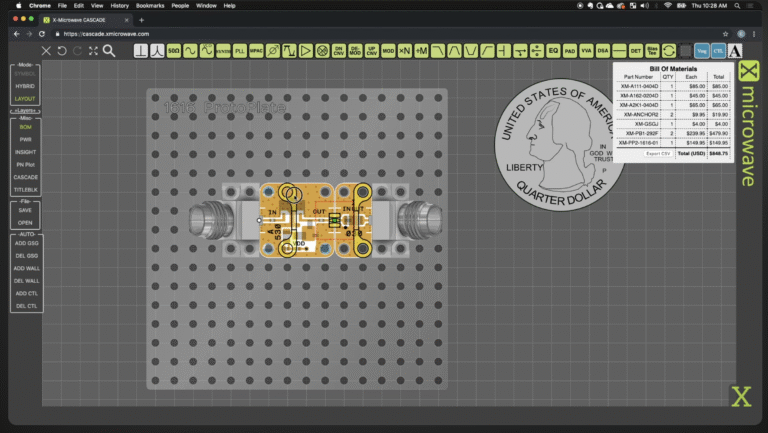
Introduction to the Layout Tool
Getting started with the basics
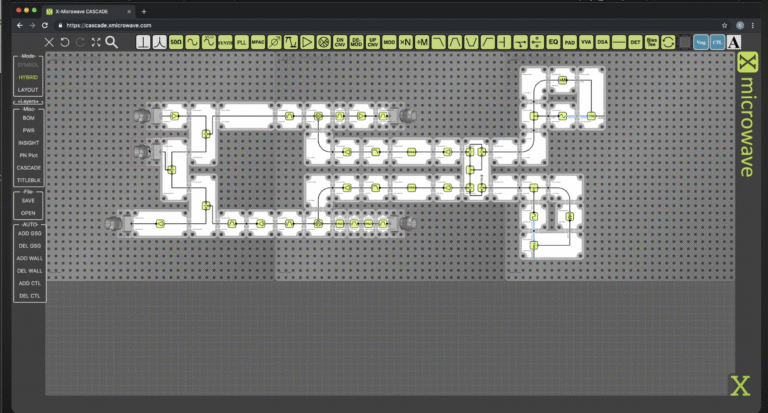
Walls and Lids
Creating enclosures in your design
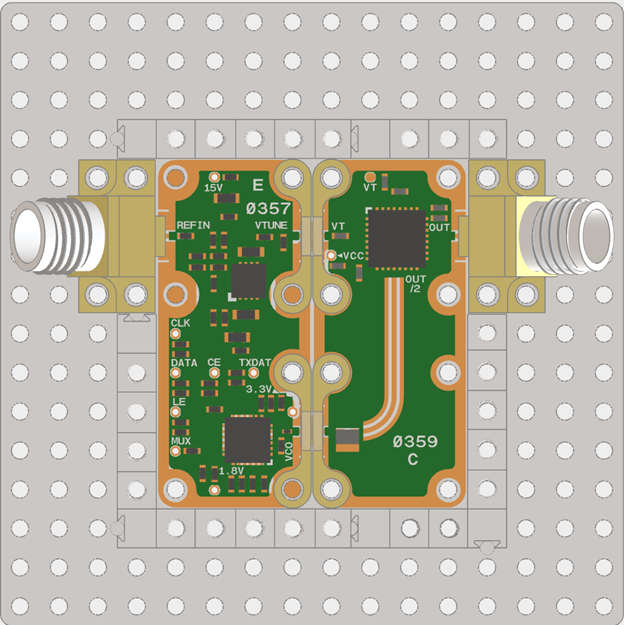
Seamless Export & Documentation
Export your complete design to a CSV file for streamlined procurement and documentation. Features include accurate Bill of Materials (BOM) creation, simplified documentation for your team, efficient quote requests with complete part lists, and all components and accessories included.